
Install LapisTV on
Android, ONN & Google TV
Follow this guide to install the LapisTV app version 5.3 on Android, ONN streaming devices (USA & Canada), Google TV, and other Google-certified devices using the free Downloader app from the Google Play Store.
Install Safely & Use Lawfully
Only install the LapisTV app using the official instructions and downloader code provided on this page (4803282). LapisTV is not responsible for apps or files obtained from unofficial sources, which may harm your device or compromise your account. Use the service only in accordance with your subscription terms and all applicable laws. This guide is provided for informational purposes and does not constitute legal advice.
Step-by-Step Installation
Eight simple steps to get LapisTV running on your device. Each step shows the screen you should see.
Open the Google Play Store
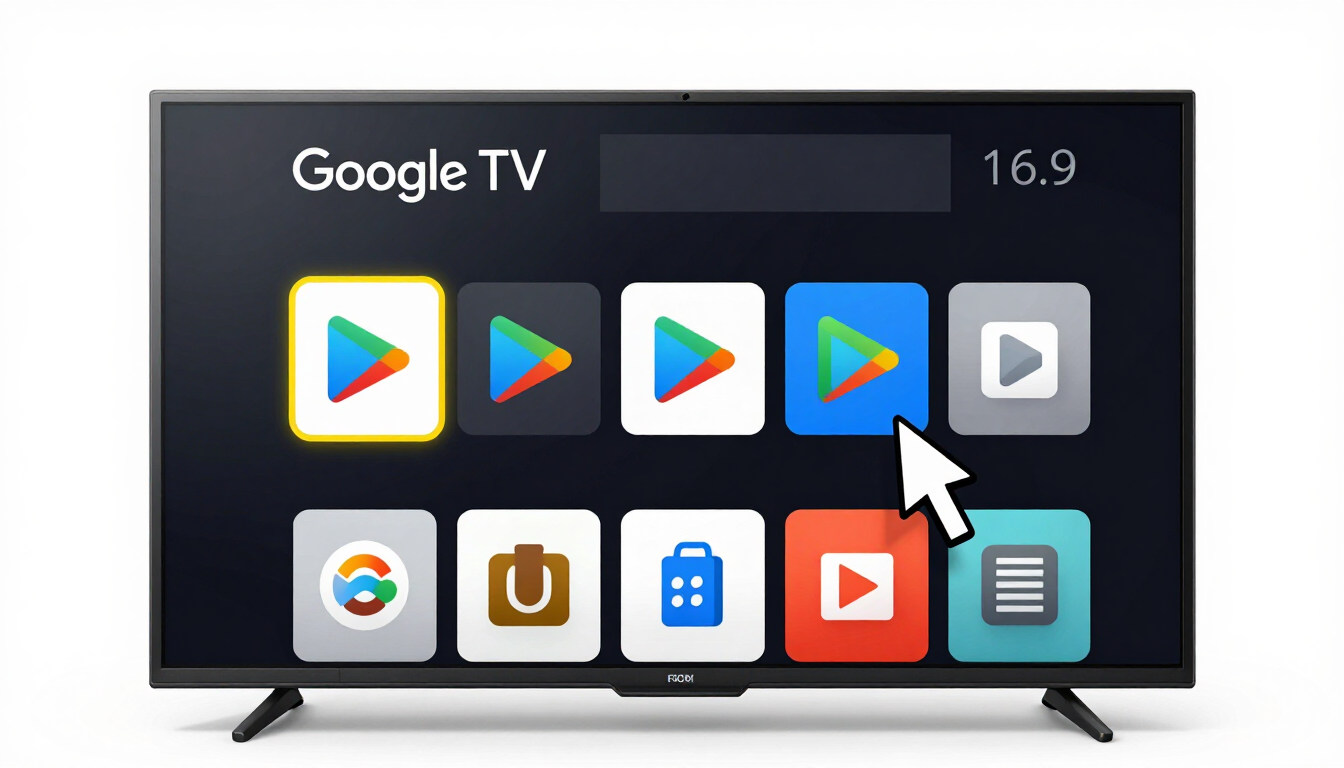
Search for the Downloader app
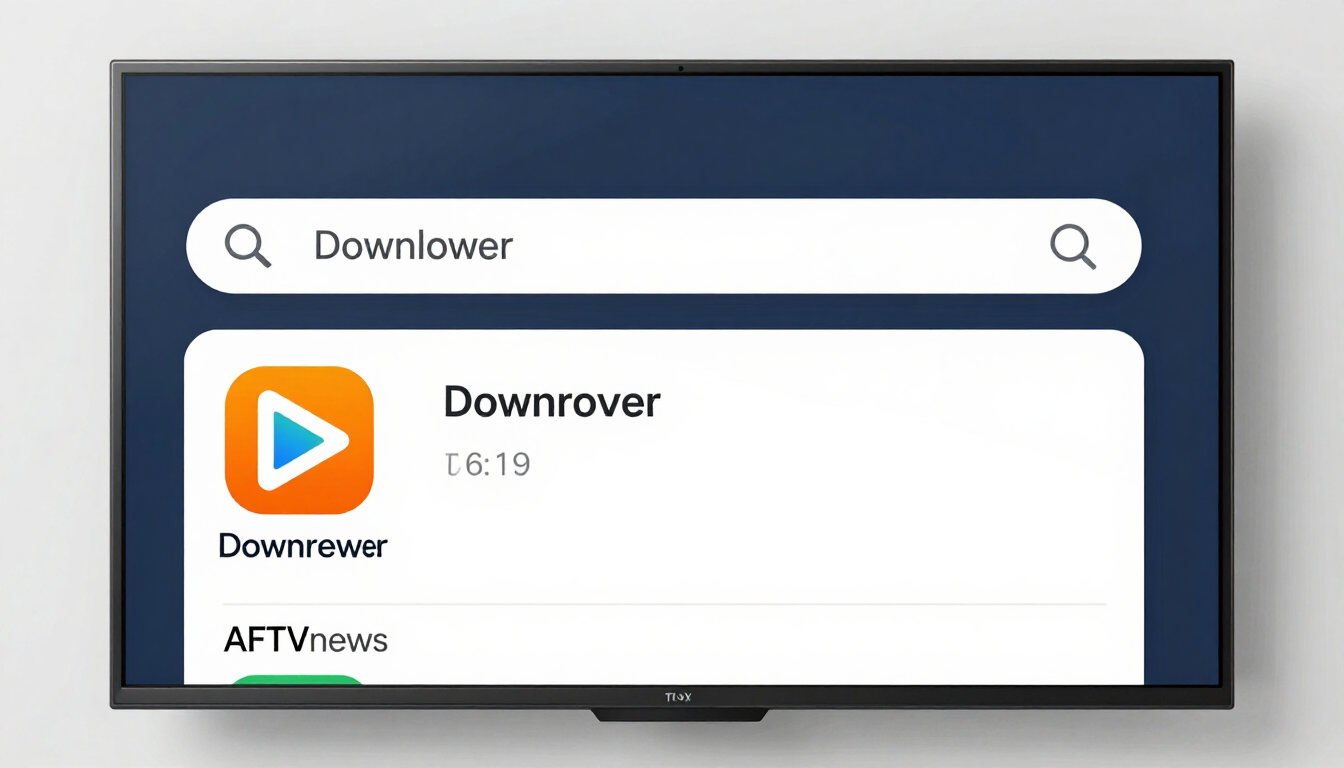
Install Downloader
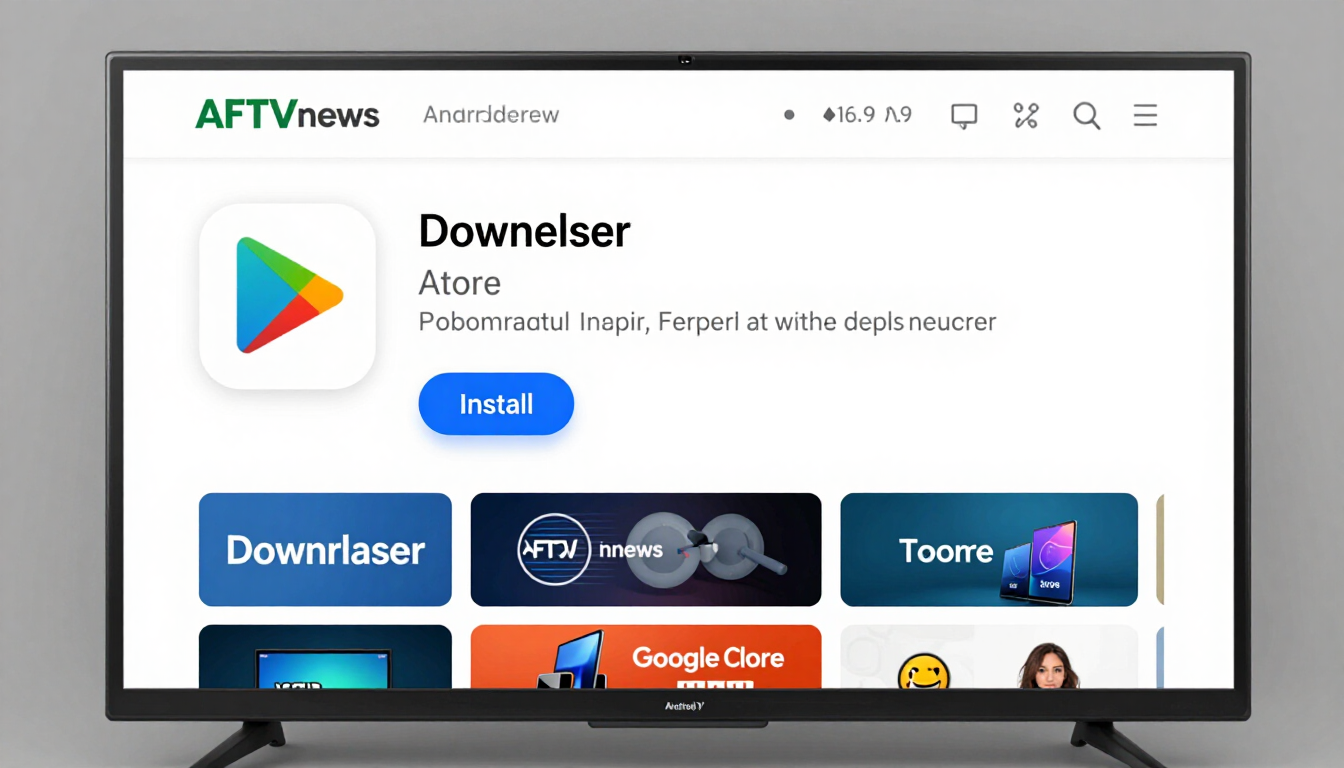
Open Downloader & allow permissions
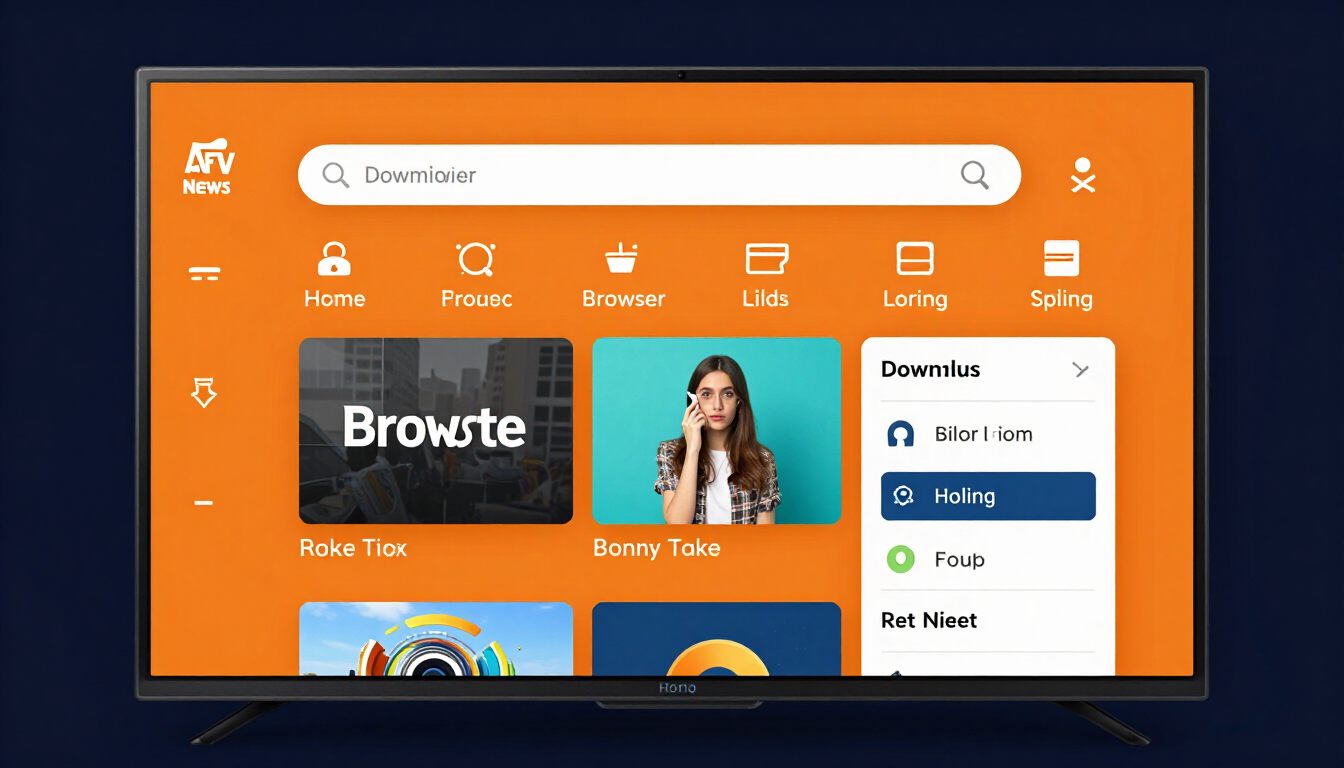
Enter the LapisTV downloader code 4803282
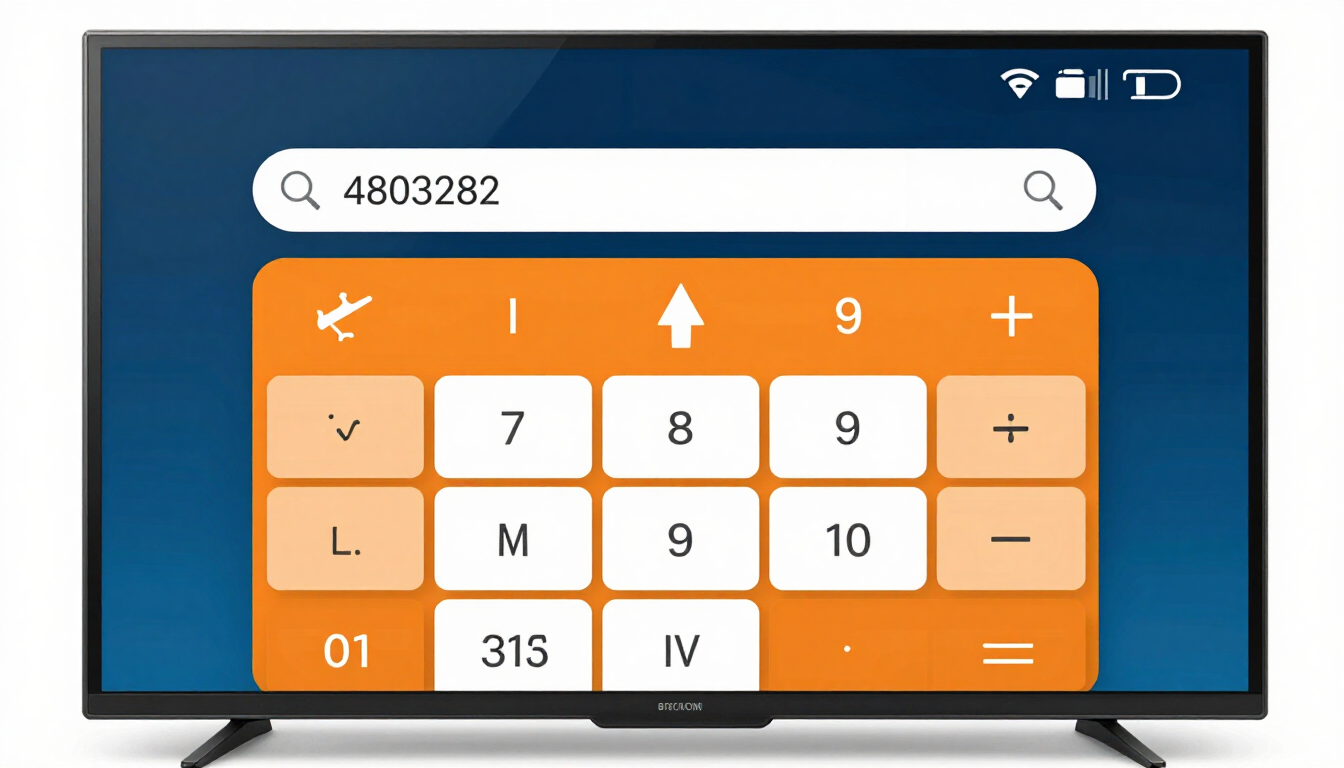
Download the LapisTV app
Install the LapisTV app
Open LapisTV & sign in
Supported Devices
The Downloader method works on any Google-certified Android TV or Google TV device.
ONN Streaming Devices
Best experience on ONN 4K Pro and ONN HD streaming boxes (USA & Canada). Play Store is built in — follow all 8 steps above.
Google TV / Android TV
Works on Sony, TCL, Hisense, Philips and other Google TV / Android TV powered smart TVs. Downloader is available directly from the Play Store.
Other Google Devices
Chromecast with Google TV, Nvidia Shield TV, and any Google-certified Android TV box all support the Downloader method.
Android Phones & Tablets
On phones/tablets you can also install Downloader from the Play Store, or download the LapisTV APK directly from your account portal.
Troubleshooting & Tips
Common issues and how to fix them quickly.
Downloader says "Install unknown apps" is blocked+
The downloader code is not loading a page+
The download stops or fails partway+
LapisTV app crashes on launch+
I cannot find the Play Store on my device+
Need Help Installing?
Our 24/7 support team is ready to walk you through the installation on any supported device. Reach out and we will get you streaming in minutes.
Explore more LapisTV guides
Step-by-step help for every part of LapisTV — from first install to player tuning and legal policy.